ARTICLE SUMMARY
RFQ software automates the request-for-quote process, from capturing purchase requests to collecting supplier quotes, comparing them, and routing approvals. Instead of chasing quotes over email and spreadsheets, procurement teams run sourcing in one structured, trackable flow, with AI Agents handling the repetitive work.
Every procurement team knows this routine: a purchase request arrives by email, someone opens a spreadsheet, quotes are requested from a few suppliers, and the follow-up begins — chasing responses, reconciling formats, and pushing approvals through one inbox at a time.
This works until volume grows. Beyond a certain point, running sourcing on email and spreadsheets quietly drains time, adds cost, and hides where each request actually stands.
RFQ software exists to close that gap. It turns the request-for-quote cycle into a single, structured flow, from intake to supplier comparison to approval, and lets AI Agents handle the repetitive steps that used to consume an analyst’s week.
This guide focuses on the first and most manual part of that cycle, intake and approvals: what RFQ software automates, where AI Agents fit and where people stay in control, and how to do it without a long IT project or replacing your ERP.
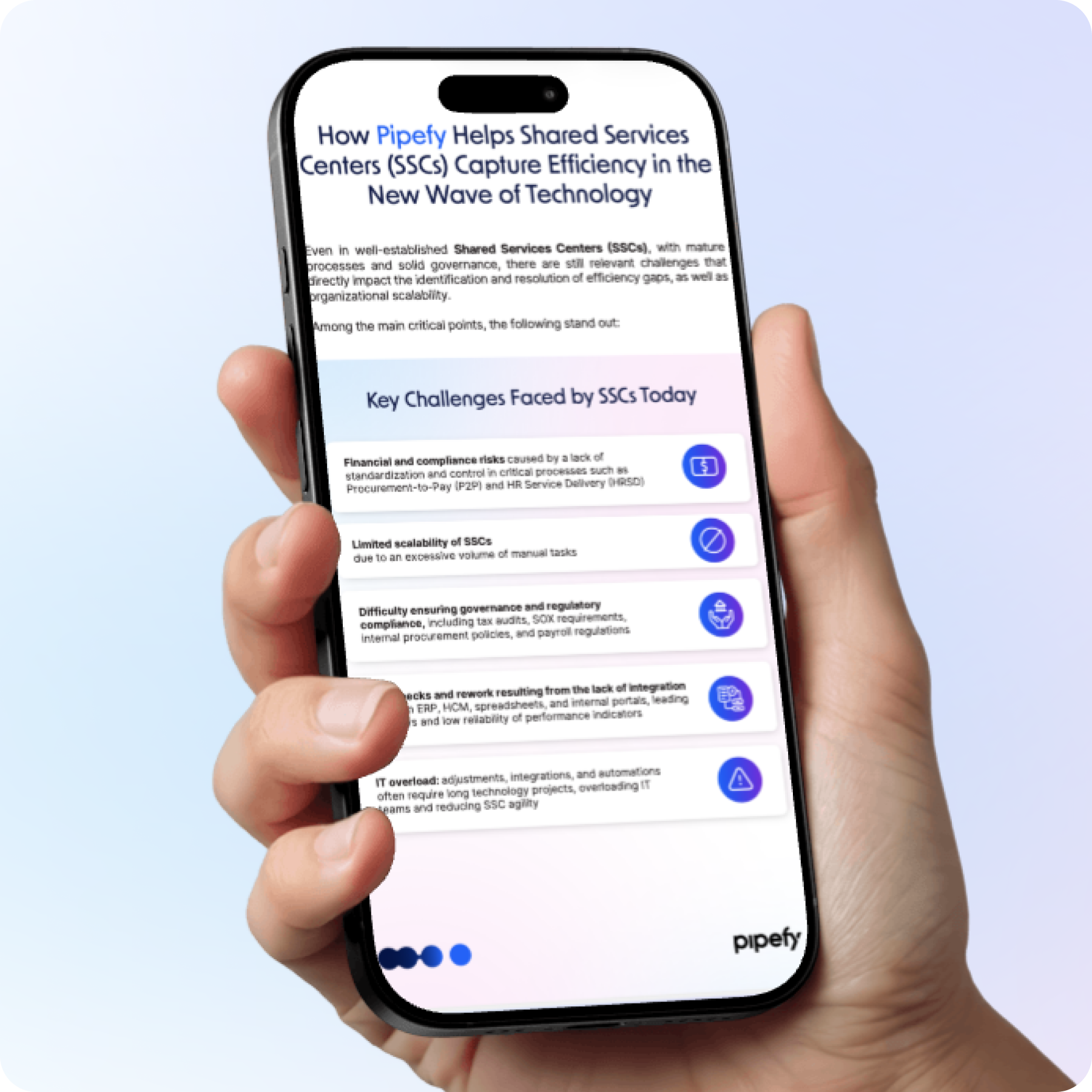
[One Pager] How Pipefy Helps Shared Services Centers (SSCs) Capture Efficiency in the New Wave of Technology
Why RFQs and supplier quoting still run on email and spreadsheets
For a process this important, it is surprising how much sourcing still happens in inboxes and spreadsheets. There are practical reasons.
The RFQ process is inherently cross-functional. A request starts with a business user, passes through procurement, needs budget approval, and ends with suppliers who each reply in a different format. No single system owns the whole thread, so email becomes the default glue.
Spreadsheets feel flexible. They are free, familiar, and easy to start, so every buyer builds their own version. The catch is that this flexibility has no memory: nothing is standardized, nothing is auditable, and each sourcing event starts from scratch.
ERPs, meanwhile, are strong at recording transactions but rigid when it comes to the messy, human part of sourcing: intake, back-and-forth, and approvals. So teams work around them, and the workaround quietly becomes the process.
There is also a visibility problem. On email and spreadsheets, no one can answer basic questions in real time: which requests are open, which suppliers have replied, and where a given approval is stuck. Leadership gets status from meetings and forwarded threads rather than from the system, and forecasting suffers as a result.
The result is a routine that looks manageable on any single request and breaks at scale. To see why, it helps to put a number on it.

The real cost of manual quoting and approvals
The cost of manual quoting is easy to underestimate because it hides in small, repeated tasks. Most of it is invisible on any budget line: no one tracks “time lost chasing quotes.” It surfaces instead as quotes sitting unanswered in an inbox, approvals stalling for days, and sourcing events quietly missing their deadline.
Added up across a year of purchase orders, the number gets serious. According to APQC, organizations spend anywhere from about $14 to more than $54 to process a single purchase order, a roughly fourfold gap that the benchmarking firm ties to how procurement work is structured and executed. For a team issuing hundreds of thousands of POs a year, that difference runs into millions in operating cost.
Most of that gap is manual effort: rekeying data, formatting quotes, reconciling versions, and chasing approvers. None of it adds value, and all of it slows the cycle.
Beyond processing cost, manual quoting also leaves savings on the table. When comparing suppliers is tedious, teams collect fewer quotes, skip renegotiation, and default to the incumbent. Slow cycles push urgent buyers toward off-contract, maverick spend, which erodes the negotiated rates procurement worked hard to secure.
There is a second, quieter cost, which is risk. When quotes live in personal inboxes and spreadsheets, there is no audit trail, no guarantee that the cheapest compliant option was chosen, and no simple way to prove that policy was followed. Slow and untraceable is an expensive combination.
This is exactly the gap that RFQ automation is built to close.
What RFQ software actually automates, step by step
At its core, RFQ software (also called request for quote software) replaces the manual sourcing loop with a structured, connected flow. Instead of a chain of emails and files, each step triggers the next and everything is recorded in one place.
This is more than a smarter form or an ERP module. A form captures a request and an ERP records the transaction; RFQ software orchestrates everything in between, connecting the sourcing event, supplier interaction, comparison, and approvals to the systems that already hold the data.
The contrast is clearest stage by stage:
| Stage | Email and spreadsheets | RFQ software |
| Intake | Free-form emails, missing data | Standard form, with required fields up front |
| Supplier quoting | Manual outreach, replies in mixed formats | RFQs sent automatically, structured responses |
| Quote comparison | Rebuilt by hand for each event | Side-by-side comparison, generated automatically |
| Approvals | Requests wait in an inbox | Routed by rules, with reminders and escalation |
| Visibility | Status pieced together from threads | Real-time, in a single dashboard |
| Audit trail | Scattered, hard to reconstruct | Every quote, revision, and approval logged |
| Multiple sites | Fragmented, one spreadsheet per location | One view across all sites, on top of the ERP |
The heaviest lift sits in the middle of that table: consolidating every response into a single side-by-side comparison, the job of quote management software, replaces hours of manual formatting. Intake and approvals are where most manual time disappears, so they are worth a closer look.
Turning purchase requests into a structured, trackable intake
Everything downstream depends on the quality of intake. If a request arrives incomplete, the whole sourcing event stalls while procurement goes back for the missing information.
A structured intake fixes this at the source. A single request form captures:
- What the purchase is
- The budget
- The cost center
- The required documents
- The deadline
It does not move forward until the essentials are there. Conditional fields keep it light: the form asks only what is relevant to the category, so a simple office-supply request is not held to the same requirements as a capital purchase.
With intake standardized, every request enters the same flow, carries the same data, and is trackable from the first click. Procurement stops acting as a help desk for missing fields and starts working actual sourcing.
- Read more: to connect intake to the wider purchasing operation, see how to structure procurement automation end to end.
Automating approvals and routing without chasing anyone down
Approvals are where sourcing goes to wait. A quote is ready, but it sits until the right person notices the email, asks a question, and eventually replies.
Automated routing removes the waiting. Rules send each request to the correct approver based on amount, category, or cost center, with automatic reminders and clear escalation when an approval is overdue. Nobody has to remember who signs off on what.
When an approver needs a change, a structured back-and-forth keeps the request moving without losing context or restarting the thread.
- See also: Pipefy Community covers this pattern in a guide on how to build a back-and-forth approval flow.
The payoff is speed with control. Every approval is logged, every threshold is enforced, and the cycle keeps moving. Because each step is tracked, leadership finally sees approval status in real time instead of asking for it. It is the same principle behind end-to-end procurement workflow automation.

Where AI Agents fit, and where humans stay in the loop
Automation handles the predictable steps. AI Agents take on the judgment-heavy work that used to require an analyst’s attention.
Inside Pipefy’s P2P AI Studio, specialized agents work across the sourcing cycle:
- An Intelligent Sourcing Agent requests quotes, collects responses, and compiles a side-by-side comparison of suppliers.
- A Compliance Check Agent cross-references each quote against the purchase order and internal policy, flagging risk and discrepancies.
- A Negotiating Agent runs negotiation rounds within policy and recommends the best supplier based on commercial terms.
- An Executive Summary Agent surfaces what matters for each approval, so decisions do not wait on manual review.
Two capabilities matter most day to day. The first is flagging outliers: agents compare incoming quotes against the request and against history, so a price that is out of line, a missing line item, or a non-compliant term is surfaced automatically instead of slipping through.
The second is routing exceptions: standard requests clear on their own, while anything unusual, such as an over-threshold amount or a flagged supplier, is routed to a person with the context already attached.
This is the heart of a human-in-the-loop model. The rule of thumb is simple: automate the repetitive and rules-based steps, agentize the analysis, and keep people on the decisions that carry judgment or a relationship.
- Automate: intake capture, supplier outreach, quote logging, reminders, and low-value approvals within policy.
- Agentize: quote comparison, compliance checks, negotiation rounds, and outlier detection.
- Keep human: final award decisions, exceptions and over-threshold approvals, and the supplier relationships that need a person.
The measurable effect is significant. With Pipefy, this orchestration makes the purchasing process up to 99% faster from request to approval, from around 20 days to minutes, delivers 7x greater efficiency in negotiations, and keeps 100% traceability across every quote and decision. The agents remove the busywork, while accountability and final calls stay with the team.
Getting one view of procurement across multiple sites
For companies that run more than one site, plant, or business unit, the quoting problem multiplies. Each location tends to have its own spreadsheets, its own approvers, and sometimes its own ERP instance, so there is no single view of what is being bought, from whom, and at what price.
This is where the difference between replacing systems and connecting them matters. You do not need to customize or rip out the ERP, which was a large and hard-won investment, to fix the sourcing layer on top of it.
That is exactly what Pipefy does. It runs as an orchestration layer over the systems each site already uses, standardizing intake and approvals everywhere and connecting to each location’s ERP through APIs, native connectors, or iPaaS. Sourcing data from every site then rolls up into one consolidated view, while each ERP stays the system of record for its own transactions.
The payoff is control at the group level. Procurement leaders compare suppliers and spend across locations, enforce the same policy everywhere, and spot the maverick spend or duplicate contracts that fragmentation hides.
Success story: how Samsonite built an error-proof procurement process and achieved 177% ROI with Pipefy
Samsonite, the global luggage leader, shows the pattern in practice. Its procurement ran almost entirely on email, spreadsheets, and files, with little control over what was actually being bought.
Instead of replacing its legacy ERP, an older version of Oracle’s J.D. Edwards, the team connected Pipefy on top of it to standardize approvals and centralize every request. The result was 100% of purchase requests managed in one place, more than 2,370 hours saved in five months, and a 177% return on investment.
I can generate reports at any point in the process, from start to finish. In minutes, I can extract the information I need to answer almost any question from my director or CFO.
Mauricio Rizzi
Procurement and Customer Service Manager | Samsonite
- For a deeper look, see how to orchestrate P2P across multiple locations without replacing the ERP.
How to get started without a long IT project
The biggest objection to fixing sourcing is usually the fear of a long, disruptive software project. Modern RFQ software avoids that, because it is no-code and runs as an orchestration layer, so procurement configures its own flows and connects to the systems it already uses, with no rip-and-replace.
The practical path is incremental:
- Start with one high-volume category, such as RFQs for indirect spend;
- Standardize intake and approvals first, where the time is lost;
- Add AI Agents to quoting and comparison once the flow is stable;
- Expand to adjacent processes, from supplier management to supplier risk, on the same foundation.
Adoption tends to be fast for the same reason: the people who run sourcing are the ones who configure it, so the flow reflects how the team actually works. IT sets the guardrails, such as data access and integration, while procurement owns the day-to-day rules.
- Learn more: if you are still comparing categories of tools, the guide on how to choose a P2P software and the primer on what Procure-to-Pay is are useful next reads.
Start a new chapter with Pipefy and see supplier quoting run without spreadsheets
Manual RFQs are not a discipline problem, they are a tooling problem. With the right RFQ software, intake is structured, approvals move on their own, and AI Agents turn a week of quote-chasing into minutes, all under full governance and without touching the ERP.
To see how Shared Services Centers are capturing that efficiency across procurement and beyond, download this exclusive one-pager, “How Pipefy Helps Shared Services Centers (SSCs) Capture Efficiency in the New Wave of Technology.”
Inside, you will find:
- The efficiency gaps that still slow even mature Shared Services Centers.
- How Pipefy’s AI orchestration layer connects legacy systems without replacing them.
- High-impact use cases across HR, Finance, Legal, IT, and Marketing.
- P2P automation in practice, from quoting and validation to negotiation.
- A real customer case, with the ROI, hours saved, and faster response times it delivered.
[One Pager] How Pipefy Helps Shared Services Centers (SSCs) Capture Efficiency in the New Wave of Technology